A WhatsApp click-to-chat link opens a chat window with your business without the customer saving your number first. The official format is simple: https://wa.me/ (or the longer version, https://api.whatsapp.com/send?phone=), where <number> is the full international number, digits only, no plus sign, spaces, or leading zero. Get that string right and the link works everywhere, on any device.
TL;DR:
- Manual links require correct international formatting, dropping leading zeros, and avoiding special characters for reliable operation.
- Using URL encoding for pre-filled messages ensures they load correctly, with messages under 15 words performing better.
- Automated link generators streamline managing multiple campaigns, provide branded short links, and include QR code and click tracking features.
- Embedding links on websites or QR codes requires testing across devices, as behavior differs between mobile and desktop browsers.
- Transition to automated messaging solutions becomes necessary once message volume exceeds manual capacity or after-hours inquiries increase.
Table of Contents
- What is WhatsApp click to chat and how do you create a link manually?
- How do you add a pre-filled message to a WhatsApp chat link?
- Should you use a link generator instead of building one by hand?
- How do you embed a WhatsApp chat link on your website or as a QR code?
- How do you add a WhatsApp click-to-chat link to Google Business Profile?
- How do you track WhatsApp click-to-chat link performance and fix broken links?
- Publisher perspective: when do you move past manual links?
- How Wattle handles WhatsApp conversations automatically
- Sources
What is WhatsApp click to chat and how do you create a link manually?
Building a link by hand takes about thirty seconds once you know the syntax. The official format is https://wa.me/ followed by the number in international format, or the longer https://api.whatsapp.com/send?phone= version, which does exactly the same job.
For an Australian mobile number, drop the leading zero and add the country code 61. A local number like 0412 345 678 becomes 61412345678, and the finished link reads https://wa.me/61412345678. A landline such as (02) 9876 5432 becomes https://wa.me/61298765432.
Three mistakes cause most broken links:
- Leaving the leading zero in place (0412… instead of 412…)
- Adding a plus sign, spaces, or dashes inside the number
- Using a landline or number not registered to a WhatsApp Business account
Once the number is clean, the link is done. Everything else, the message text, buttons, QR codes, just sits on top of this base structure.
How do you add a pre-filled message to a WhatsApp chat link?
Append ?text= to the base link and put your message after it, URL-encoded. The WhatsApp Help Centre specifies this as the standard way to pre-load a message so the customer only has to hit send.
Encoding matters more than most people expect. Spaces become %20, commas become %2C, and apostrophes become %27. Skip this step and the link either breaks or drops half the sentence.
A few ready-to-use examples:
- Product enquiry:
https://wa.me/61412345678?text=Hi%2C%20I%27m%20interested%20in%20the%20blue%20jacket%20in%20size%2010 - Booking request:
https://wa.me/61412345678?text=Hi%2C%20I%27d%20like%20to%20book%20an%20appointment%20this%20week - Form handoff:
https://wa.me/61412345678?text=Hi%2C%20I%20just%20submitted%20your%20contact%20form%20and%20wanted%20to%20follow%20up
Pro Tip: Keep the pre-filled message under 15 words. Anything longer starts looking like a script the customer didn’t write, and people are far less likely to hit send on something that doesn’t sound like their own voice.
Shorter messages that name the specific product, page, or service the customer came from perform better because they save the first back-and-forth message entirely.
Should you use a link generator instead of building one by hand?
Manual links work fine for a single number and a handful of messages. Once you’re managing multiple staff numbers, campaigns, or landing pages, a generator saves real time and catches the errors that break links silently.
Tools like Create handle the encoding automatically, generate a QR code alongside the link, and offer branded short links plus click analytics on paid tiers. That matters because a raw wa.me link with a long encoded message string looks messy on a business card or in an email signature, whereas a shortened branded version reads cleanly and still resolves to the same chat.
Look for a few things when picking a generator:
- Automatic URL encoding, so you can type a normal sentence and not think about
%20 - Built-in QR code output for print, packaging, or signage
- Branded or shortened links for anything customer-facing
- Basic click tracking or analytics if you’re running more than one campaign
A generator is overkill if you’re setting up one link for one WhatsApp number and never touching it again. It earns its place the moment you’re running multiple campaigns, need QR codes, or want to know which channel is actually driving chats.
How do you embed a WhatsApp chat link on your website or as a QR code?
A working link needs almost no code. A minimal HTML button looks like this:
<a href="https://wa.me/61412345678?text=Hi%2C%20I%27d%20like%20to%20know%20more" target="_blank" rel="noopener noreferrer">Chat with us on WhatsApp</a>
The rel="noopener noreferrer" attribute is a small security habit worth keeping. It stops the new tab from gaining access back to your original page.
For physical touchpoints, generate a QR code from the same link using the generator tools above, then use it on:
- Packaging and receipts, where a scan starts a chat instantly
- Print ads, flyers, and shopfront signage
- Business cards, next to your usual phone number
Test every embedded link on both a phone and a desktop browser before it goes live. WhatsApp’s own guidance notes that behaviour differs by device, and a link that opens perfectly on mobile can fail silently on desktop if the browser isn’t logged into WhatsApp Web.
How do you add a WhatsApp click-to-chat link to Google Business Profile?
Google Business Profile supports a native WhatsApp chat button, and setting it up takes four steps according to WhatsApp’s own instructions:
- Open your Google Business Profile and go to Edit profile.
- Select Contact, then Chat.
- Choose WhatsApp from the list of chat providers and paste in your link.
- Save the changes.
Use a verified WhatsApp Business number for this, and note that you can add more than one number if different locations or teams handle enquiries separately. Beyond Google, the same link is worth placing in your Instagram bio, your email signature, and directly on product pages, anywhere a customer is one step from asking a question.
How do you track WhatsApp click-to-chat link performance and fix broken links?
Standard wa.me links don’t carry analytics on their own, so wrap the link in a short redirect page that captures UTM parameters before forwarding the visitor to the actual WhatsApp URL. This is the approach recommended for tracking click-to-chat traffic, and it lets you attribute chats back to the specific ad, email, or page that generated them.
When a link doesn’t work, the cause is almost always one of these:
- The number still has a leading zero, a plus sign, or spaces in it
- The message text wasn’t properly URL-encoded
- The user’s desktop browser isn’t logged into WhatsApp Web, so the link stalls instead of opening a chat
Pro Tip: Before publishing any link, open it yourself on three surfaces: your phone with WhatsApp installed, a desktop browser logged into WhatsApp Web, and a desktop browser that isn’t. If it fails on the third one, add a visible fallback, like your phone number in text, right next to the button.
Publisher perspective: when do you move past manual links?
Click-to-chat links work well until volume outgrows a single inbox. Conversational channels convert better than static contact pages because a chat qualifies the customer as it goes, rather than making them fill out a form and wait.
The signal to automate is simple: once you’re missing messages after hours or answering the same three questions daily, a manual inbox becomes the bottleneck, not the channel.
— Christopher
How Wattle handles WhatsApp conversations automatically
An automated system picks up where a manual click-to-chat inbox runs out of room. Instead of a staff member checking WhatsApp between calls, an automated service answers automatically, captures the booking details, checks the calendar, and takes payment where that’s part of the flow, then hands the conversation to a real person the moment it needs a human decision.
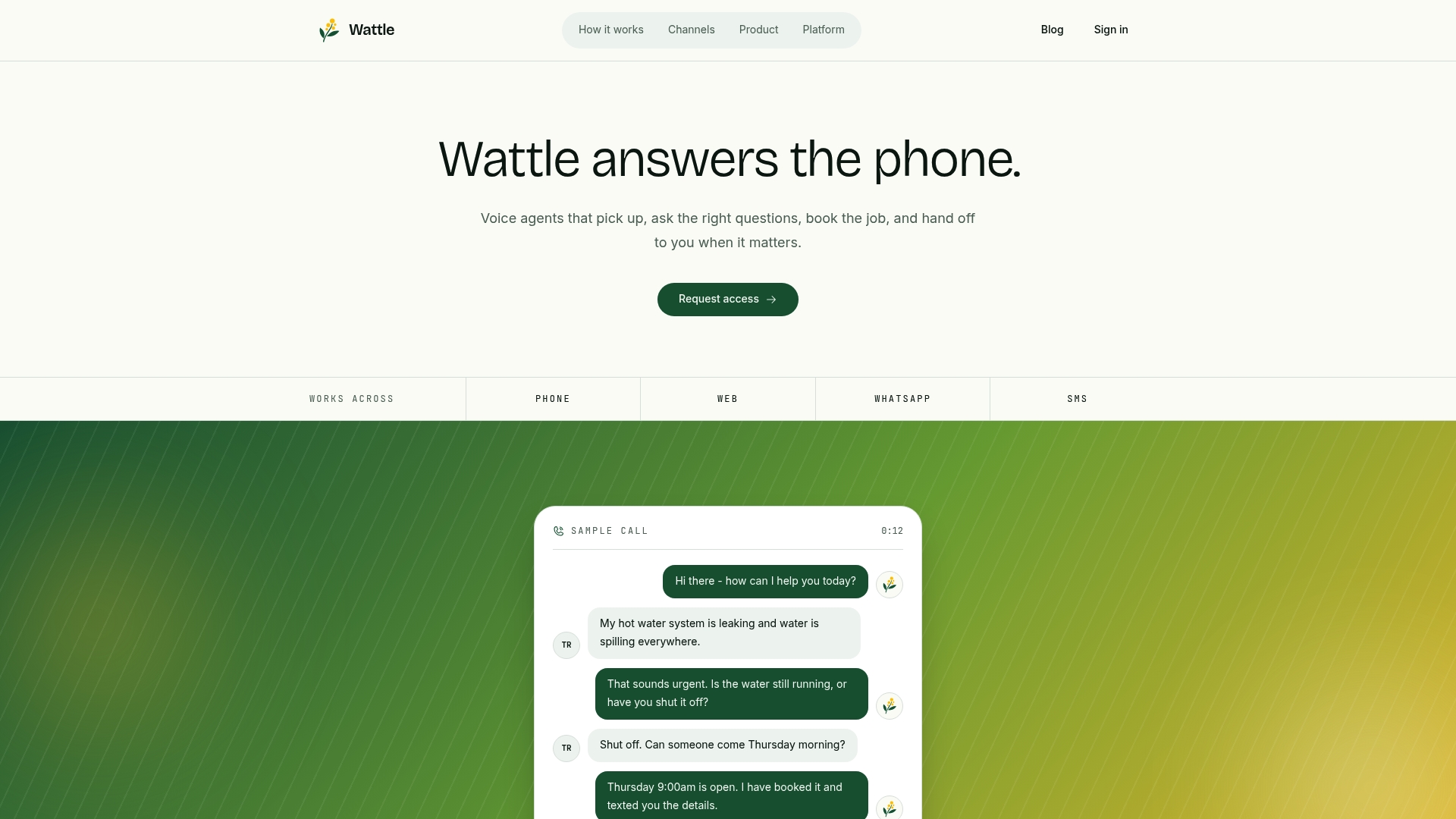
That matters most for businesses fielding chats across phone, web, and WhatsApp at the same time, because conversations can be managed in a unified inbox instead of separate ones. You still get the same wa.me link customers use. What changes is what happens after they hit send: qualification, scheduling, and follow-up can occur without constant manual monitoring. If your WhatsApp enquiries have outgrown a single person checking notifications, visit the Wattle landing page to see how the automated handling works or request a demo.