Yes, a QR code can take a customer straight to your booking page so they can reserve a slot in under a minute. Point a phone camera at a well-placed code, tap the link, and the customer lands on a pre-filled booking form. Set it up right with a dynamic code and URL prefill, and the whole scan-to-confirmation loop takes less time than reading this sentence.
TL;DR:
- Use dynamic QR codes with prefill parameters and expiration options to keep booking links current and adaptable for promotions or location changes.
- Place QR codes at decision points like counters or shop windows to target customers when their intent to book is highest, rather than in less effective locations.
- Test QR codes on multiple devices and connections, and use high-resolution formats to ensure reliable scanning in both digital and print formats.
- Track scan data and integrate automated follow-ups like SMS or email to convert more scans into actual bookings and catch distracted customers.
- Combine QR codes with an AI front desk system to handle follow-up, late inquiries, and missed opportunities beyond immediate self-serve bookings.
Table of Contents
- How does QR code booking actually work?
- Step-by-step: create a booking QR code from your booking link
- Best practices for designing and placing booking codes
- Technical checks before you publish
- Tracking scans, prefilling forms, and catching what self-serve misses
- What actually moves the needle once you deploy this
- A practical next step: let an AI front desk catch what the QR code misses
- Sources
How does QR code booking actually work?
A booking QR code is just a compressed version of a web address. Point a phone camera at it, and the device’s software decodes the pattern into a URL, then asks whether to open it. That URL leads to your booking page, whether that’s a Cal.com calendar, an Acuity form, or a custom scheduler built into your website.
There’s a critical technical choice most businesses get wrong early: static versus dynamic codes. A static QR code has the destination URL baked permanently into its pattern. Change your booking software or move to a new page, and that printed code becomes dead weight. Dynamic QR codes route through a short redirect link instead, so you can update where it points without touching the physical code at all.
Beyond simple redirection, a booking QR code can carry more intelligence:
- Prefill parameters that pass a customer’s name, preferred service, or appointment type straight into the form
- One-time-use links that expire after a single booking, useful for limited-slot promotions
- Placement tags embedded in the redirect URL, so a dashboard can tell you a scan came from the front counter, not the shop window
Step-by-step: create a booking QR code from your booking link
Most of the hard work here is decision-making, not technical skill. Here’s the sequence that avoids the common false starts.
- Find your canonical booking link. Log into your scheduling platform and copy the exact public-facing URL customers use to book, not an internal dashboard link. If you run multiple services or locations, grab the specific link for each.
- Choose your generator. Many booking platforms let you generate a QR code directly from a booking link and download it for print or digital use, which is the quickest route if your scheduler supports it. Calendly, for example, includes a built-in QR generator in its mobile app for exactly this use case. If your platform lacks this, a standalone generator works just as well.
- Configure the code before generating it. Select dynamic over static wherever the option exists. Add prefill parameters for known fields, and decide if you need a one-time link for a specific promotion or event.
- Download in the right format. Grab a high-resolution PNG or, better, an SVG or PDF for anything going to print. Web-only placements can use a smaller PNG.
- Test before you commit to print. Scan it with at least two different phones, on wifi and mobile data, and confirm the booking form loads and prefill fields populate correctly.
- Publish or print, then recheck. Once displayed or printed, scan the live version again. A printed code sometimes scans differently than the digital proof, especially at small sizes.
Pro Tip: Keep a spreadsheet of every QR code you deploy, its destination, and the date you last tested it. When you switch booking software (and you eventually will), that list is the only thing standing between you and a stack of dead posters.
Best practices for designing and placing booking codes
Placement decides more than design does. A beautifully designed code in the wrong spot converts worse than a plain one at the point of decision.
The highest-converting placements share one trait: they catch someone at the exact moment they’re deciding whether to come back. Reception counters, table cards at restaurants, mirrors in salons, shop windows facing foot traffic, and event booths near the exit all work because intent is already high.
Design matters too, but less than most people assume:
- Keep a clear contrast between the code and its background; black on white remains the safest bet.
- Print at a high resolution suitable for the intended size, especially for anything smaller than a business card.
- Add a short call to action above or below the code: “Scan to book your table” beats a bare code every time.
- Include a small brand mark or colour accent near the code so it reads as legitimate, not spam.
On conversion tactics, tell people what happens next. A line like “Takes 30 seconds, no account needed” removes hesitation. If you’re running a limited offer, a one-time code tied to a discount creates urgency without needing a human to explain it. And because dynamic codes let you change the destination without reprinting, you can rotate seasonal offers through the same physical placement indefinitely.
Technical checks before you publish
A code that scans in the office and fails in the venue is worse than no code at all, because it burns the customer’s one moment of intent. Run through this list before anything goes to print or goes live:
- Scan-test on both iPhone’s native camera and Android’s Google Lens or camera app, since they handle redirect chains slightly differently.
- Confirm the booking page loads over HTTPS, is mobile-responsive, and renders in under two seconds on a typical mobile connection.
- Export print files as PNG for digital, SVG or PDF for anything printed, and check the code still reads at the smallest size you intend to use.
- Add descriptive alt text for any QR code placed on a website or digital screen, so screen readers can announce its purpose.
Tracking scans, prefilling forms, and catching what self-serve misses
The gap between “someone scanned” and “someone booked” is where most of the missed value hides. Specialised QR services track scans by placement, so a dashboard can show you the table-card code converted at twice the rate of the window decal, letting you shift budget and print runs toward what actually works.
A few tactics worth building in from day one:
- Route dynamic codes through a redirect that tags placement (something like
?placement=table1) before sending the customer on to the booking page. - Prefill known fields such as service type or preferred time to cut form friction, but never embed payment or authentication tokens in a QR-distributed URL, since that link can be photographed or shared.
- Trigger an automatic SMS or email confirmation the moment someone completes a scan-initiated booking, closing the loop before they second-guess it.
Pro Tip: Not every scan turns into a completed form. Some people scan, get distracted, and never finish. That’s where an omnichannel front desk that handles phone or SMS follow-ups earns its keep, catching the booking when the self-serve flow stalls halfway through.
What actually moves the needle once you deploy this
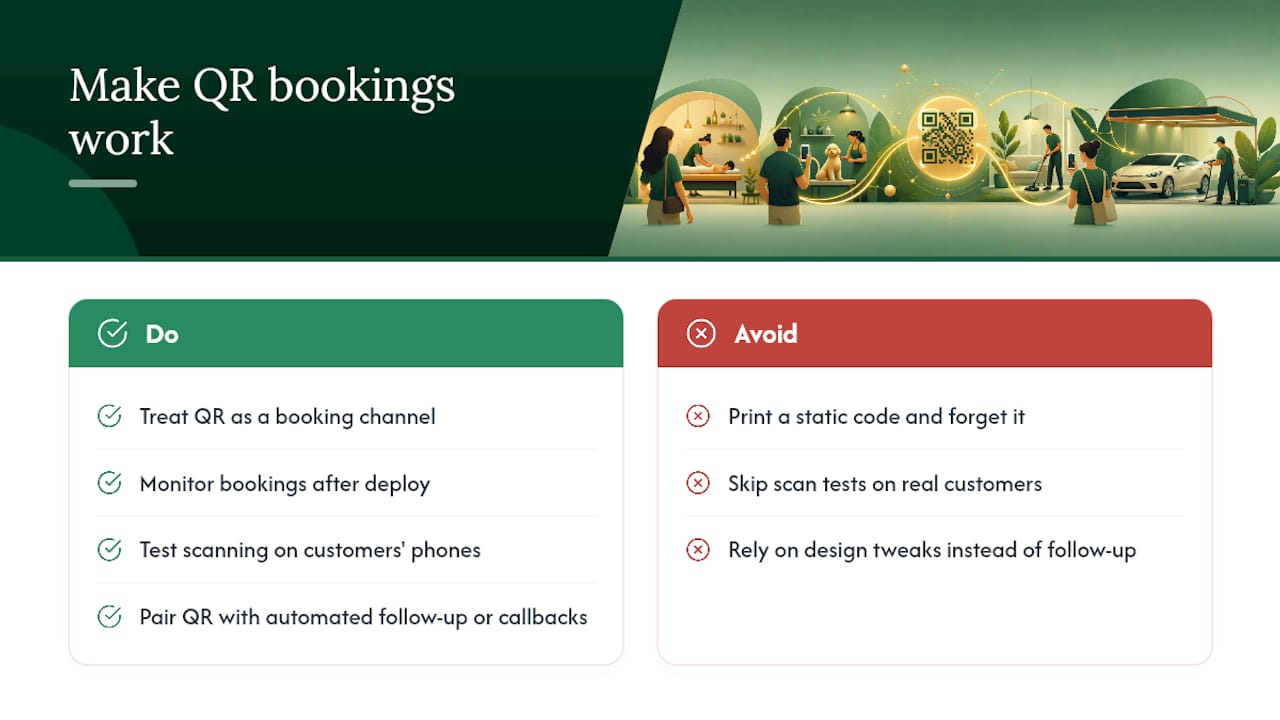
Most businesses see their first real wins within a month, once staff stop treating the code as decoration and start treating it as a booking channel with its own numbers. The biggest mistake I see is printing one static code and forgetting it exists, then wondering six months later why bookings dried up after a scheduler migration. The second biggest is skipping the scan test on an actual customer’s phone rather than the owner’s.
QR codes handle intent that’s already there. They don’t create it, and they won’t rescue a customer who scans, gets distracted, and closes the browser tab. That’s exactly where pairing the code with automated follow-up, or a human or AI agent who can call back, matters more than any design tweak ever will.
— Christopher
A practical next step: let an AI front desk catch what the QR code misses
A QR code handles the customer who’s ready to book right now. It doesn’t handle the one who scans, gets interrupted, and calls your business ten minutes later instead, or the one who’d rather ask a question before committing to a time. That’s the gap this kind of AI front desk is built to close. It answers calls, qualifies the customer, books the appointment directly into calendars, and logs the whole interaction, whether it comes in by phone, website chat, WhatsApp, or SMS.
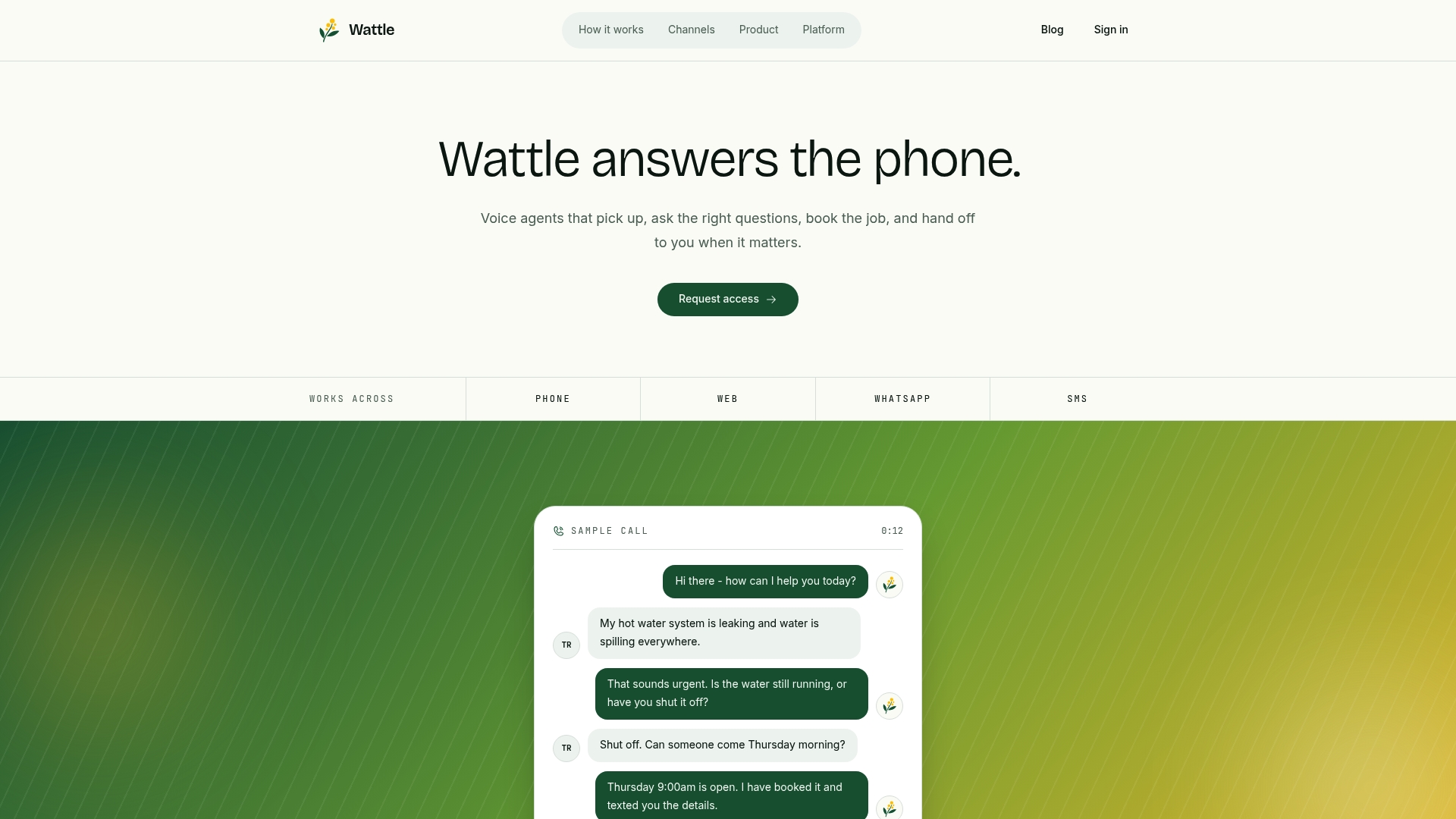
For a venue running QR codes at the counter and a booking link on its website, an AI front desk fills the space between them: the phone call that comes in after hours, the customer who wants to check availability before scanning anything, the booking that would otherwise go to voicemail. If your scan-to-book numbers look solid but your phone still rings unanswered, that’s the signal it’s time to add a channel rather than another poster. Book a look at how Wattle handles calls and bookings and see whether it fits alongside the codes you’ve already got up.